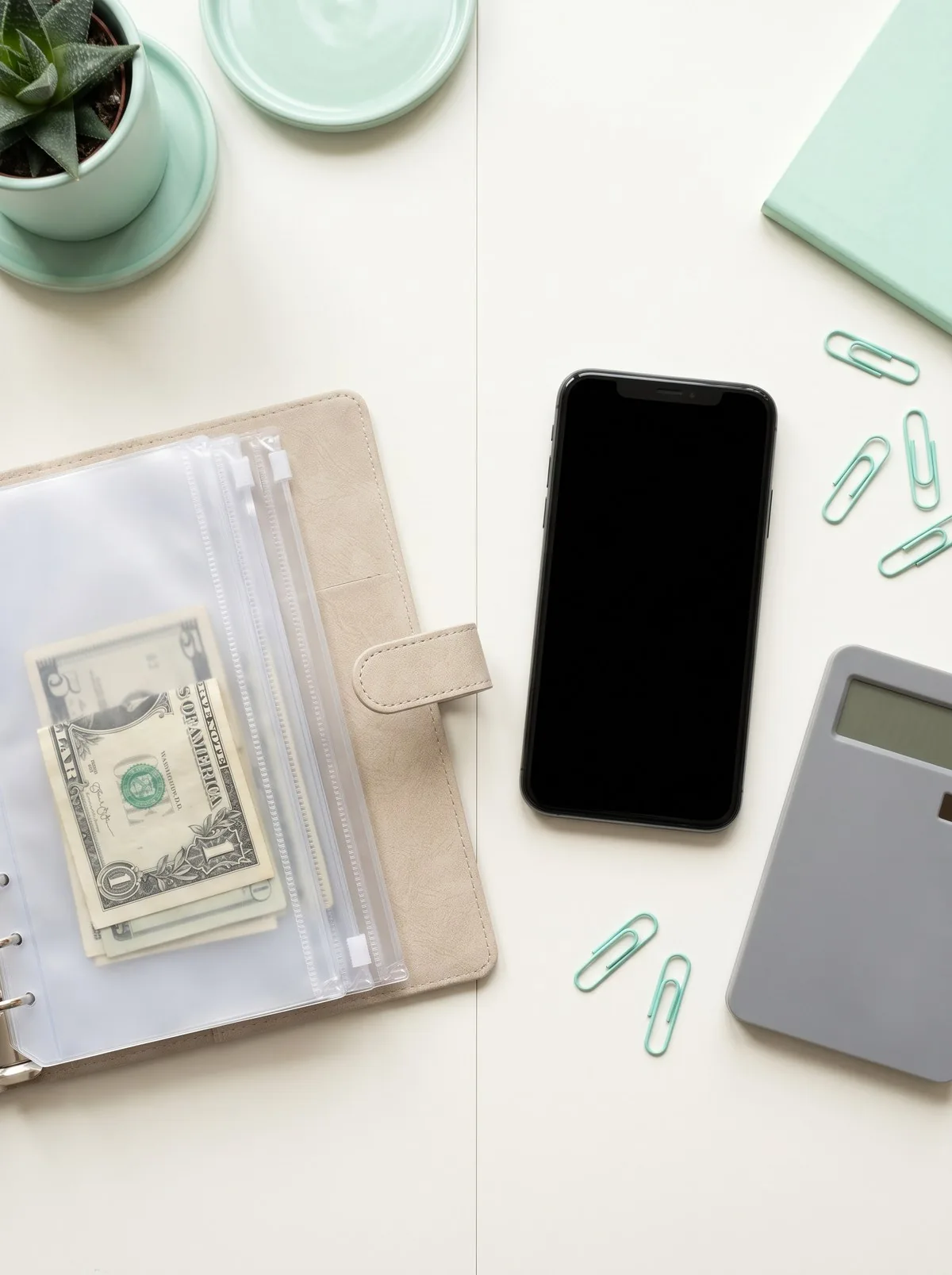
Two people can be equally good with money and pick opposite tools. One swears by a cash binder she stuffs every payday; the other runs her whole budget from an app that auto-sorts every swipe. Neither is wrong. The question isn’t which tool is best, it’s which one fits how you actually spend. Here’s the honest comparison, with a clear way to decide.
The short version
A budget binder is cheap, tangible, and great at stopping overspending, because you physically run out of cash. A budgeting app is automated, detailed, and convenient, because it tracks every transaction for you. If you overspend on cards and crave a hard brake, lean binder. If your spending is mostly online and you want effortless tracking, lean app. And if you can’t decide, the honest truth is that using both is often the strongest setup of all. Details below.
Side by side
Here’s the straight comparison, no thumb on the scale.
| Factor | Budget binder | Budgeting app |
|---|---|---|
| Upfront cost | Low, one time | Free to ~$15/month |
| Ongoing cost | $0 | $0 to ~$110/year |
| Setup effort | Low: label pockets, stuff cash | Medium: link accounts, set categories |
| Daily effort | Withdraw and stuff cash each payday | Mostly automatic once linked |
| Overspending brake | Strong: cash runs out, full stop | Soft: an alert you can ignore |
| Tracks card/online spending | No, cash only | Yes, every transaction |
| Works without internet | Yes | No |
| Security consideration | Physical theft or loss | Data breach, linked-account risk |
| Best at | Controlling flexible spending | Seeing the whole picture |
| Learning curve | Almost none | Small but real |
Notice that the binder and the app are strong in almost exactly the places the other is weak. That’s the whole story, and it’s why “use both” keeps coming up.
The budget binder: pick this if…
A budget binder is a book of labeled pockets you stuff with cash, one category per pocket, and then spend only what’s inside. It’s the cash envelope system in a zippered cover.
Its real strengths. It’s cheap, a low one-time price, with no subscription ever. It needs no bank link, no password, and no internet, so there’s nothing to breach and nothing to update. And it has the one thing no app truly matches: a hard physical limit. When the grocery pocket is empty, you stop, because there is no card to fall back on. For someone who has watched an app’s “you’ve exceeded your budget” alert pop up and then kept swiping anyway, that hard stop is the whole point.
Its honest downsides. It only works for cash spending, so it’s clumsy for online shopping, subscriptions, and bills. It asks a real habit of you: withdraw cash and stuff pockets every payday. It doesn’t track anything automatically, so you won’t get tidy year-end charts. And it puts some cash in your home, which is a small theft-and-loss risk you manage by keeping only spending money in it, not savings.
Pick the binder if you overspend most on cards, you want a tool that physically stops you, you like seeing and touching your money, and you’d rather pay once than subscribe. A compact, beginner-friendly option is the Sooez money-saving binder, a budget-friendly A5 binder with 100 clear PVC slots and a reusable tracker, and the offer button is below if that’s your lane.
The budgeting app: pick this if…
A budgeting app links to your accounts and sorts your spending automatically, or lets you assign every dollar a job on a digital ledger. Popular approaches include zero-based budgeting and digital envelopes.
Its real strengths. It’s automatic. Once linked, it captures every card swipe, subscription, and transfer without you writing anything down, which is a genuine relief if your spending lives online. It shows the whole picture: trends, categories, net worth, and where the money actually went. And it travels in your pocket, so you can check a category at the register in two seconds.
Its honest downsides. Many good ones cost money after a trial; YNAB, for example, lists $14.99 a month or $109 a year (YNAB), which is a real expense for a tool meant to save you money. Its overspending “brake” is only an alert, and alerts are easy to swipe away, so it demands more self-control than a cash limit does. It requires linking bank accounts (CFPB), which is generally considered safe with reputable apps but is a legitimate concern for some people. And it needs internet and the occasional troubleshooting when a bank connection drops.
Pick the app if your spending is mostly cards and online, you want effortless tracking and reports, you value convenience over a hard limit, and a monthly fee fits your budget.
The honest verdict: it’s often both
Here’s the answer most “versus” articles won’t give you, because it’s less tidy: the best setup for a lot of people isn’t binder or app, it’s binder and app.
Use the app as your dashboard. Let it track every transaction, catch your subscriptions, and show the monthly big picture, the stuff paper can’t do well. Then use a cash binder as the brake on the two or three flexible categories where you actually overspend, usually groceries, dining out, and fun money. The app watches everything; the binder physically caps the leaks. You get visibility and a hard limit at the same time, and the binder’s one-time cost barely registers.
If you only want one, go back to your own spending. Overspender who swipes too easily? The binder’s hard stop will help you more this month. Organized spender who just wants to see it all? The app will feel like less friction. There’s no wrong answer, only a wrong fit.
Whichever you choose, put the plan on paper first. Our free budget guide can help, so your categories and limits are set before you stuff a pocket or link an account. Grab the free budget guide, decide your numbers, then pick your tool.
Your one-question decision
If you want to settle it in ten seconds, answer this: when you go over budget, what actually stops you?
If the honest answer is “nothing, I just keep swiping,” you need the binder’s hard limit. If the honest answer is “a heads-up is enough, I just want to see where it’s going,” the app will serve you well. Match the tool to the truth, and either one beats the perfect system you never open. For more ways to make a budget that survives real life, browse our budgeting basics library.
Frequently Asked Questions
- Is a budget binder better than a budgeting app?
- Neither is better in the abstract, they're better for different people. A binder wins on cost (a low one-time price, no subscription), tangibility, and the spending brake of physical cash, which helps chronic overspenders most. An app wins on automation, tracking every transaction, and convenience for card-and-online spenders. The honest answer is to match the tool to your actual spending life. Many people use both: an app to watch the whole picture, a binder to control the two or three categories they overspend.
- Do budgeting apps cost money?
- Some are free and some charge. Free tools exist, but some popular zero-based budgeting apps charge after a trial; YNAB, for example, lists $14.99 a month or $109 a year. A budget binder is a low-cost, one-time purchase with no recurring fee. Over a few years the app can cost meaningfully more, which matters when the whole point is spending less. Always check the current price before you commit.
- Are budgeting apps safe to link to my bank?
- Linking a reputable app is generally considered safe, but it is a real consideration if linking accounts makes you uneasy, and no system is immune to a breach. A binder has zero digital footprint, which some people strongly prefer. If you use an app, enable two-factor authentication and use a unique password.
- Can I use a budget binder and an app at the same time?
- Yes, and a lot of people find that combination works best. Use the app as the dashboard that tracks every transaction and shows the monthly big picture, and use the cash binder to physically cap the two or three flexible categories where you tend to overspend, like groceries and eating out. You get the app's visibility and the binder's brake without relying on either one alone.
Sources & references
Before you go
The Already-Done Budget: Pre-Filled Starting Numbers for a Real Household Budget
A budget that starts filled in: 13 categories with realistic starting percentages from the 50/30/20 rule, pre-computed dollar amounts by income, and a worksheet to swap in your real numbers.
Free guide
The Already-Done Budget: Pre-Filled Starting Numbers for a Real Household Budget
A budget that starts filled in: 13 categories with realistic starting percentages from the 50/30/20 rule, pre-computed dollar amounts by income, and a worksheet to swap in your real numbers.