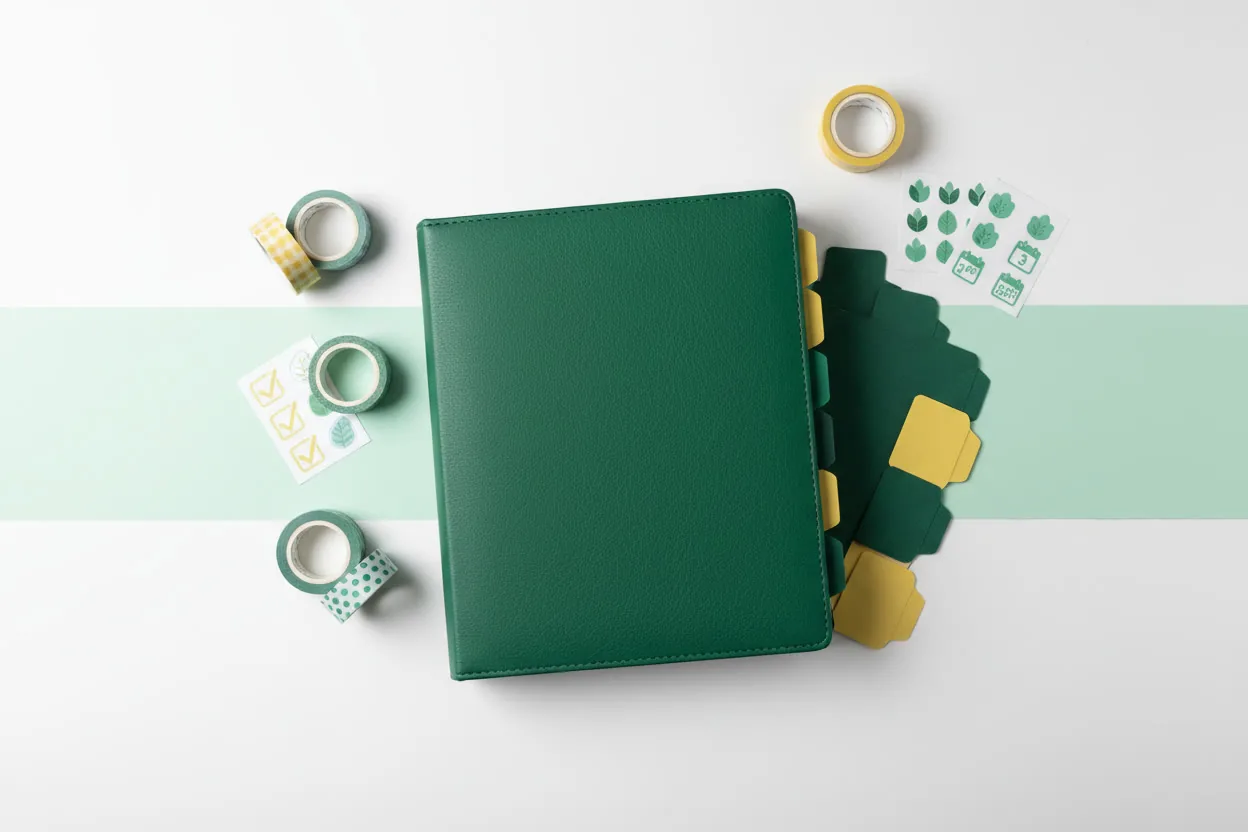
A budget binder is one of the cheapest habit tools you can buy, right up until you fall down the accessories rabbit hole and spend more on stickers and pouches than you ever saved in the pockets. Some add-ons genuinely make the cash-envelope system easier to keep. Others are pretty clutter that quietly work against the whole point. Here’s the honest sort: seven accessories worth the money, and three to skip.
How we sorted this list
Our test is simple and a little ruthless: does this accessory fix a real friction, or does it just look good in a flatlay? A money tool that costs you money is failing at its one job, so we only call something “worth it” if it removes a specific annoyance that makes people stop using their binder. Prices drift with retailer and sale, so check the current number before you buy. And nearly everything here is optional. If your binder already works, you don’t need any of it.
Worth the money: the functional core
These four fix the frictions most likely to make you abandon an otherwise good binder.
1. Extra clear cash pockets
Binders ship with a fixed set of pockets, such as 12 in the Antner A6 or 8 in the Sooez Cash Envelope Kit, and the day you want to split “groceries” from “household” or add a sinking fund, you’ll want more. Refill packs of punched clear pockets snap right onto the rings and let your system grow with your budget instead of forcing you to buy a whole new binder. First step: confirm your binder’s size and ring count (many A6 binders use six rings) so the refills fit.
2. Tabbed dividers
Once you’re past a handful of categories, flipping through look-alike pockets to find “gas” gets old fast, and friction is what kills the habit. Tabbed dividers let you jump straight to a category, which sounds trivial until you’re standing at a register. First step: label tabs for your top spending categories only; you don’t need one per pocket.
3. Category label stickers or a label maker
Naming a pocket “fun money” and watching it empty is a helpful nudge to stop spending in that category (Chase), and clear, consistent labels make the whole binder feel real instead of makeshift. Sticker sheets are cheap; a small label maker is a splurge that pays off only if you reset categories often. First step: write labels in pencil first, live with your categories for a month, then commit to stickers once they’ve settled.
4. A reliable fine-tip pen
You’ll log deposits, tick off pockets, and jot balances constantly, so a pen that doesn’t smear or die is a small daily pleasure. A pack of fine-tip or gel pens clipped inside the binder means you’re never hunting for one at the moment you want to record a transaction. First step: pick one that clips or lives in a pen loop, so it stays with the binder.
Before we get to the upgrades, a reminder that the accessories are secondary. What actually fills the pockets is a plan. Our free budget guide can help, so your categories and amounts are decided before you spend a cent on extras. Grab the free budget guide and set your budget first.
Worth the money: small upgrades that earn their keep
These three aren’t essential, but each solves a real problem for the right person.
5. A slim pocket calculator
Splitting a paycheck across pockets or reconciling a sinking fund is faster with a real calculator than fishing out your phone (which tends to pull you into notifications). A flat, credit-card-style calculator tucks into a pocket and keeps the whole ritual analog. First step: skip this if you’re happy doing the math on paper or a phone you can ignore.
6. A small zippered coin or change pouch
Cash budgeting means coins, and loose change rattling around a ring binder is a mess. A slim zippered pouch on the rings corrals change and stray receipts in one place. First step: add one only once loose coins actually start bothering you.
7. A tracker or dashboard insert (or free to print)
If your binder didn’t come with a tracker, a laminated insert you can wipe clean makes progress visible, and a visible streak is weirdly motivating. That said, you can print the same thing at home for pennies with any blank grid template. First step: print first; buy a laminated version only if you’d rather not deal with a printer.
The 3 to skip
Now the ones that mostly separate you from your money.
Skip: premium decorative sticker and washi bundles
A little decoration is fine if it makes you open the binder more, but designer sticker sets and washi bundles can quietly cost more than the binder itself, and they do nothing your plain labels don’t. If you want the look, a dollar-store pack delivers most of the joy for a fraction of the price. Paying real money to decorate a money-saving tool is the definition of counterproductive.
Skip: an “aesthetic” designer binder at triple the price
The gorgeous designer binders all over social media hold the exact same dollars as a $10 one. A good budget binder like the Antner A6 already has a PU leather cover and a stainless six-ring mechanism, so the premium is pure aesthetics. Spend the difference inside the pockets, not on the cover. If size is your real question, our A6 vs A5 comparison helps you choose the format that fits, cheaply.
Skip: a bill counter or money-counting machine
These show up in “budget binder must-haves” videos and make no sense for home cash budgeting. You’re moving small weekly amounts across a handful of pockets, not running a cash register. Counting by hand takes seconds and costs nothing. Save that money for an actual pocket.
The bottom line
Buy an accessory only after you’ve felt the problem it solves. The functional core (a few extra pockets, dividers, labels, and a decent pen) covers almost everyone, the small upgrades help specific situations, and the skip list is mostly there to protect your savings from your own good intentions. Keep total accessory spend well under what the binder cost, and remember the tool is only as good as the budget behind it.
Ready to build the plan your binder needs? Grab our free budget guide for the templates and trackers, then check the current binder listing with the button below and get the full method in our guide to the cash envelope system. And if you’d rather buy pockets, labels, and sheets in one box instead of piecemeal, our Sooez vs Cash Envelope Kit comparison weighs the all-in-one route. More game-like money plans live in our savings challenges library.
Frequently Asked Questions
- What accessories do I actually need for a budget binder?
- Very few. A working binder needs pockets, labels, and a pen, and most kits ship with the pockets and labels. The accessories worth adding later are the ones that fix a real friction: extra cash pockets when you outgrow your categories, tabbed dividers when flipping gets annoying, and a tracker insert if your binder didn't include one. Everything else is optional. Buy an accessory only after you've felt the problem it solves, not before.
- Are decorative stickers and washi tape worth it?
- Only if they genuinely keep you motivated, and even then, buy them cheaply. Decorative sticker and washi bundles are pretty but do nothing your labels don't already do, and premium sets can quietly cost more than the binder itself. If a little decoration makes you open the binder more often, a small dollar-store pack is plenty. Spending real money on aesthetics is the fastest way to make a money-saving tool cost you money.
- How much should I spend on budget binder accessories?
- As little as possible, and only on function. Most useful add-ons are inexpensive, and you rarely need more than two or three. A sensible ceiling is to keep your total accessory spend well under the price of the binder itself. Remember the goal: the binder exists to save money, so every dollar you pour into extras is a dollar that could have gone straight into a pocket.
- Do I need special inserts or can I print my own?
- You can absolutely print your own, and it's cheaper. A6 and A5 templates are easy to print, punch, and drop onto the rings, and plenty of free printable trackers exist online for exactly this. Store-bought inserts save you the printing and often come laminated so they wipe clean, which is a nice convenience but not a requirement. Print first; buy inserts only if you'd rather not.
Sources & references
Before you go
The Already-Done Budget: Pre-Filled Starting Numbers for a Real Household Budget
A budget that starts filled in: 13 categories with realistic starting percentages from the 50/30/20 rule, pre-computed dollar amounts by income, and a worksheet to swap in your real numbers.
Free guide
The Already-Done Budget: Pre-Filled Starting Numbers for a Real Household Budget
A budget that starts filled in: 13 categories with realistic starting percentages from the 50/30/20 rule, pre-computed dollar amounts by income, and a worksheet to swap in your real numbers.